
Three hours every Monday. You have to deal with the same spreadsheets, copy‑paste, and the dull ache in the wrist. An invoice needs four signatures. By the time it clears, the vendor sends a late notice. Customer emails flood the inbox. Question after question. All of them are the same five. The support team types the same answers until their fingers hurt. It is a slow poison for a business.
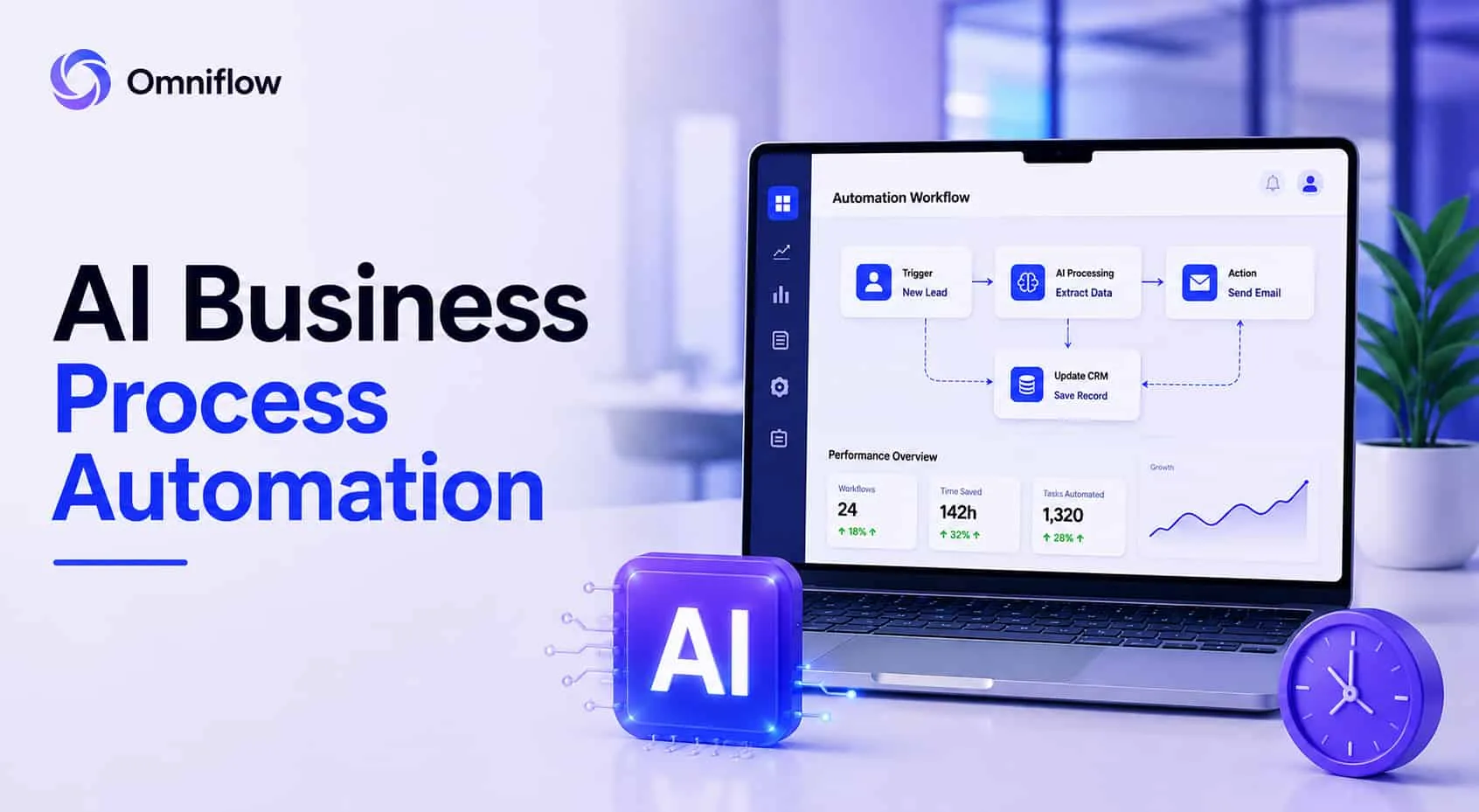 What if AI handles it all? You save team expenses as well as time. And you can do this by AI business process automation.
What is AI Business Process Automation
AI business process automation examples are real-world cases where companies hand off the boring, repetitive stuff to machines that don't get tired. Think invoices that approve themselves. Support tickets that answer instantly. Inventory that orders its own refills. AI agents handle all of it without asking for permission.
This matters because traditional automation only follows simple rules. AI automation thinks. It reads messy emails, understands intent, and makes decisions. The result: faster operations, happier teams, and costs that drop like a rock.
Example 1: Invoice Approval Without Email Chains
A mid-sized manufacturing company processed two hundred invoices a month. Each invoice went to a manager for approval. Then, to finance. Then back to the manager if something was wrong. The average approval time was nine days. Vendors got angry. Late fees added up.
They switched to AI-powered invoice processing. The system reads each invoice. It checks the amount against the budget, flags anything unusual, and routes to the right person only when needed. Eighty percent of invoices are now approved automatically. Approval time dropped from nine days to four hours. Late fees disappeared.
Example 2: Customer Support That Never Sleeps
A small e-commerce brand had three support agents. They handled sixty tickets a day. Most questions were the same: "Where is my order?" "How do I return this?" "Do you have my size?" They added an AI agent to their help desk. The AI reads incoming emails and chat messages. It answers common questions instantly & only passes complex tickets to humans.
Within two weeks, the AI was handling seventy percent of all tickets. Response time went from four hours to thirty seconds. The three agents started working on harder problems. Customer satisfaction went up. This is one of the best AI business process automation examples for small businesses because it is cheap to start and shows results immediately.
Example 3: Supply Chain Alerts That Prevent Stockouts
A retail chain had inventory spread across twenty warehouses. Every week, a team of five people reviewed stock levels and placed orders. They always ordered too much of some items and too little of others.
They built an AI-driven system that monitors real-time sales data. When stock of a popular item drops below a threshold, the system automatically creates a purchase order. It can even choose the best supplier based on price and shipping time.
Stockouts dropped by sixty percent. The team of five was reduced to two. The other three moved to higher-value work. That is business process automation with AI that saves you both money and time.
Example 4: Employee Onboarding Without Paperwork
Every new hire at a professional services firm triggered a dozen tasks. IT needed to create accounts. HR needed to enroll them in benefits. Facilities needed to assign a desk. Managers needed to schedule training. These tasks happened over two weeks. Something always fell through the cracks.
They implemented agentic AI business process automation. When HR enters a new hire into the system, AI agents automatically trigger every downstream task. IT gets a ticket. HR gets a checklist. Facilities get a notification. Onboarding time dropped from fourteen days to three. New hires started feeling welcome instead of lost.
Example 5: Contract Review That Finds Risks
A legal department received fifty contracts a week. Junior lawyers read each one, looking for risky clauses. It was boring, slow, and easy to miss things.
They deployed AI automation that reads contracts and highlights unusual language. It flags clauses about liability, termination, and auto-renewal. It compares each contract to approved templates.
The AI finds risks in seconds. Junior lawyers spend their time negotiating. Contract review time dropped from two hours per contract to fifteen minutes. This is a process automation example for companies that deal with lots of paperwork. Law firms, real estate, procurement teams.
Example 6: Financial Reconciliation That Never Misses
An accounting team spent three days every month matching bank transactions to invoices. They downloaded CSV files, opened spreadsheets, and manually checked each row.
They built an AI-powered reconciliation tool. It connects to the bank API & invoicing system. It matches transactions automatically and flags anything that does not match. Reconciliation now takes thirty minutes. The accounting team uses the rest of the month for analysis and planning.
What Makes AI Automation Different From Traditional Automation
Old-school automation follows rules you write. If X happens, do Y. This is helpful for simple things like sending a welcome email. But business processes are messy. Invoices have different formats. Emails use different words. Supply chains change week to week.
AI automation uses machine learning. It learns from examples. It adapts when things change. It handles complex tasks that have no single correct answer.
Why Most Automation Initiatives Fail (And How To Fix It)
I have seen companies try AI automation and give up. Here is why.
They try to automate everything at once. They map every process, every exception, every edge case. Six months later, nothing is live. Start with one process. One team. One pain point. Get a win. Then expand.
They forget about data quality. AI needs clean data. If your spreadsheets have typos and missing values, your AI will make bad decisions. Clean your data first. Or start with a process that already has clean data.
They do not involve the team. People fear AI will replace them. If you build automation in secret, they will fight it.
Show them the boring work the AI takes away, the interesting work they get to do instead. They expect perfection. AI makes mistakes. That is fine. Aim for better than a human, not perfect. A human makes mistakes, too.
How Omniflow Helps You Build AI Automation
You have seen the examples. Now you want to build your own. But where do you start? You need to connect to your data and integrate with your tools. You need to deploy the AI somewhere.
Omniflow makes this simple. You describe your business process in plain English. For example: When a new invoice arrives in our accounting system, check if the amount is under $5000. If yes, approve automatically. If no, send to the finance manager for review.
Omniflow builds a Product Requirements Document (PRD). Then it generates production-ready code. The code connects to your systems, runs the AI logic, and handles errors.
Here is an example: A logistics company wanted to automate their shipment delay notifications. Every time a shipment was late, a person had to look up the customer email, write a message, and send it. It took five minutes per delay. They had fifty delays a day.
They described the process to Omniflow. Omniflow generated a small application that watches their shipment database. When a delay is detected, the app automatically looks up the customer, generates a personalized message, and sends it via email.
The company saved four people-hours every day. The customers got faster, more accurate updates. And the team stopped doing boring work. That is integrating AI into business operations without a massive engineering project.
Omniflow works for small businesses and enterprises alike.
What About The Long Term?
Once you automate a process, it does not stay automated forever. Businesses change. Rules change. Data sources change. Omniflow makes it easy to update your automation. You edit the description. It regenerates the code. Your automation stays current without a rewrite. This is the benefit of AI-powered development. You have a system that evolves with you.
Start Automating One Process Today
You have boring work that wastes your team's time. Now pick one process. One task that makes someone groan every week. Describe it. Use Omniflow to turn that description into working automation. Connect it to your real data. Watch it run. Your team will thank you. The vendors will notice. Your customers will get faster answers.
This is the power of AI business process automation. Small starts that bring big savings and real-time results.
Frequently Asked Questions
Can small businesses afford AI automation?
Yes. Many AI business process automation examples for small businesses cost less than two hundred dollars a month to run. Omniflow starts with a free tier. API costs are pay-as-you-go.
How much time can AI automation really save?
In the examples above, teams saved between four and forty hours per week. The exact number depends on your process. A good rule: automate anything that takes more than five hours a month.
What is the ROI of enterprise AI business process automation?
Most companies see payback within three to six months. Cost savings come from reduced labor, fewer errors, and faster cycle times. Invoicing automation alone often pays for itself in weeks.
Do I need to be technical to build AI automation?
With Omniflow, no. You describe the process. Omniflow generates the code. You do need access to your data sources and permission to connect them.
What is the difference between traditional automation and AI automation?
Traditional automation follows rules you write. AI automation learns from data and handles exceptions. Traditional is good for simple tasks. AI is good for messy, real-world processes.